- Reactions to sound are typically about 140 to 170 ms in good conditions, faster than to light.
- The brain finds a sound source mainly from tiny timing and loudness differences between your ears.
- Bluetooth headphones and software audio buffers can add far more delay than the ears or brain.
- Wired headphones give the most reliable audio reaction results.
Sound is one of the fastest ways to reach your brain, and it is also very easy to degrade with the wrong equipment. This guide explains the biology and the technology behind audio response time.
How the ear turns sound into a signal
Sound waves vibrate the eardrum and the small bones of the middle ear, which move fluid in the cochlea. This moves hair cells whose mechanical bending opens ion channels almost immediately, producing a nerve signal in a fraction of a millisecond. This quick conversion is a main reason audio reactions are faster than visual ones. The signal then passes through several relay stations in the brainstem before reaching the auditory cortex.
How the brain locates a sound
Spatial hearing relies on comparing the signals at your two ears. A sound from the right reaches the right ear slightly sooner, by up to roughly 0.6 to 0.7 ms for a source directly to the side, which is called the interaural time difference. It is also a little louder in the nearer ear, the interaural level difference. The shape of your outer ear adds further spectral cues that help with up, down, front and back. In the best conditions, people can tell the direction of a sound in front of them to within a degree or two. This is why headphones with accurate stereo imaging are valuable in games with footsteps and gunshots.
Typical audio response times
| Setup | Extra delay added to your score |
|---|---|
| Wired headphones, good audio interface | about 5 to 20 ms |
| Standard Bluetooth headphones | often 100 to 250 ms |
| Low-latency Bluetooth codecs or gaming wireless dongles | about 30 to 60 ms |
These are approximate ranges, and individual devices vary. A Bluetooth delay of 150 ms can erase the natural advantage of sound, so your audio score may look slower than your visual score even though your ears are faster than your eyes.
Software and operating system latency
Audio is processed in small buffers, and larger buffers add delay. Operating systems, browsers and game engines may add anywhere from a few to a few tens of milliseconds. Virtual surround sound adds processing that can blur localization, so many competitive players prefer plain stereo.
Tips for competitive audio
- Use wired headphones if you can.
- Pick a headset with a flat, detailed sound rather than heavy bass.
- Set equal volume in both ears and avoid unnecessary audio effects.
- Learn the sounds of important events in your game, so you can react before you can see anything.
How the TapReflex audio test works
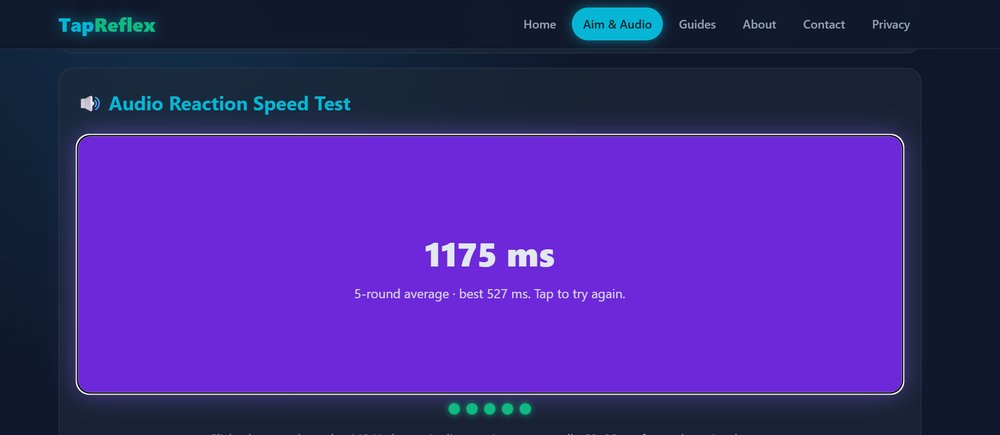
After a random wait of 2 to 5 seconds, the page generates a 440 Hz sine tone with the Web Audio API, starts the timer at the same moment, and stops it when you tap. It is a simple reaction test to sound, so your result includes your headphone and browser delay. Try it on the audio test page with wired headphones and compare it with the visual test. To understand why the numbers differ, see visual, auditory and tactile reaction times.